PHOTOS & NOTES. ONE CLEAR REPORT.
BriefLatch.
Your photos,
with the whole story.
Group your photos, add a few notes, and make a PDF worth sending. Your files stay on your device.
Pre-launch preview. No signup or payment needed to view the sample.
Project handover
The picture. The detail. The next step.
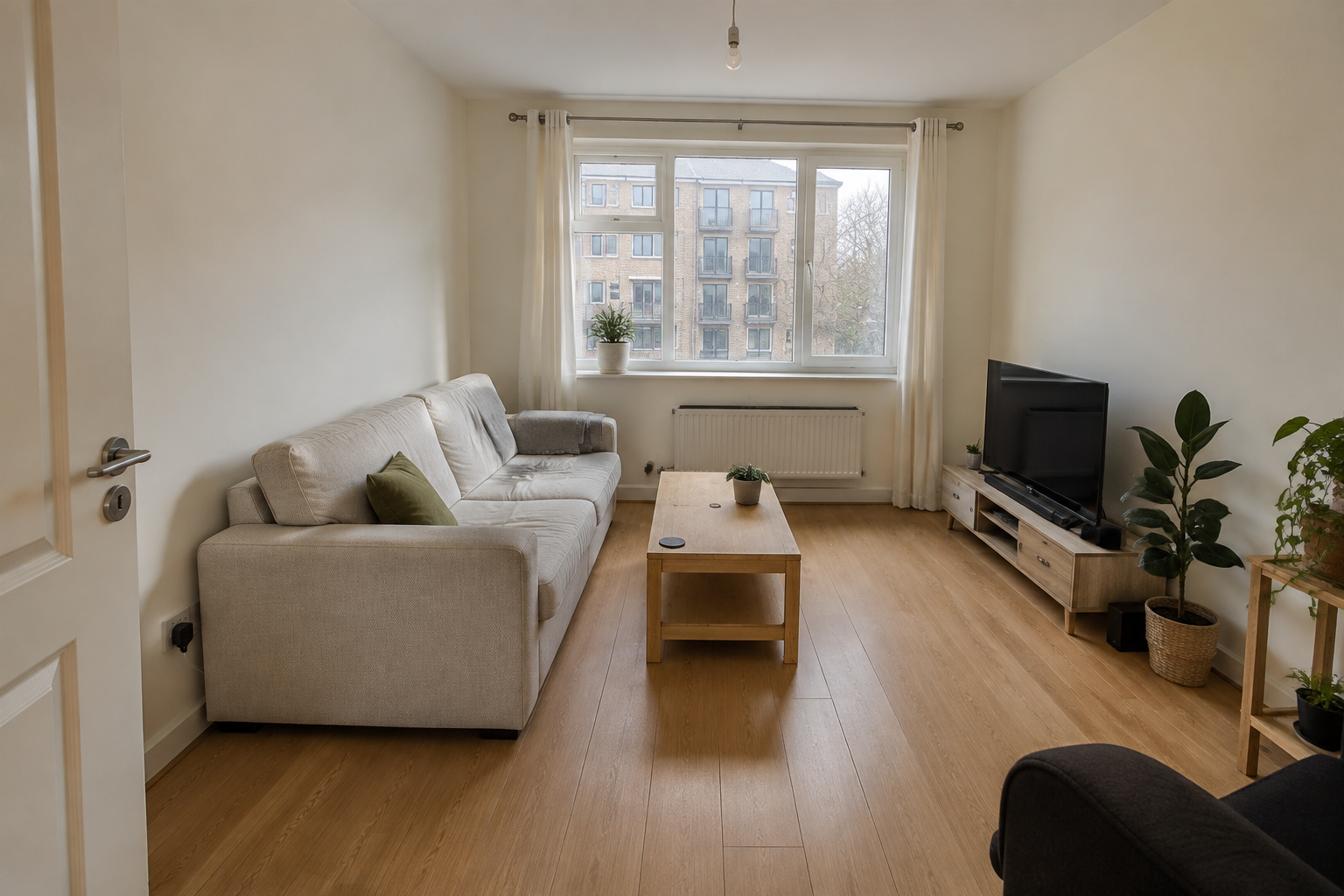
The full image, with the explanation right beside it. Clear context for the person reading your report.
AI-generated sample room · Open the PDF to see the exported layout
Repairs / Deliveries / Condition checks / Project updates
LESS ASSEMBLING. MORE EXPLAINING.
Give every photo
the context it needs.
- 01
Bring the photos.
Add a batch of JPG, PNG or WebP images. Keep them together in one report.
- 02
Add the story.
Arrange sections, reorder photos, and put a caption directly with each image.
- 03
Send it clearly.
Export a PDF for your reader, plus a ZIP of the originals and a captions index.
YOUR FILES. YOUR HANDOVER.
The report travels.
Your originals stay yours.
Send a PDF that opens in a normal PDF reader. Keep the original photos in their original quality, and save an editable backup for later.
- Photo processing happens in your browser
- Captions stay connected to their photos
- Your recipient doesn’t need BriefLatch
A SMALL TOOL. A STRAIGHTFORWARD OFFER.
Pay once.
Work in your browser.
Our planned early web version brings the essentials together for individual use. See the sample report to understand the layout.
Early version · Not yet available to purchase
PLANNED INTRODUCTORY PRICE
US$ 29once
One-time access to the early web version.
No app download required.
- Photo reports with sections and captions
- PDF and original-photo ZIP exports
- Editable project backups
- Up to 40 photos per report
This is an offer preview. Sales are not open yet. Applicable tax will be shown at checkout.
A FEW USEFUL DETAILS
Before you begin.
Is this just for property inspections?
No. Use sections to organize repairs, deliveries, condition checks, project updates or another photo-based record. The sample report is one example.
Are my photos uploaded?
No. The report app processes and stores your selected photos in your browser. You decide where to save or share your downloaded reports and backups.
Can I try the app yet?
The app is currently being tested. The sample PDF shows an exported report using an AI-generated room image. Test license holders can open the workspace.
What does the early version support?
The current prototype supports JPG, PNG and WebP, up to 40 photos per report, 12 MB per photo and 100 MB in total. It has been tested in desktop Chrome. HEIC, cloud sync and team collaboration are not included.
How do I keep my work safe?
Keep your original photos and download a project backup. Browser storage can be cleared, so it should not be your only copy. Reopen the backup to continue editing or move it to another browser.
Can I purchase BriefLatch now?
Not yet. This page previews the sample report and our planned US$29 one-time online-access offer. Purchasing will open after checkout and paid web access are ready.
SEE THE DIFFERENCE FOR YOURSELF
Make the next handover clearer.
View the example reportNo signup. No payment. Preview the exported result.